
Upgrading your Ubuntu-on-Windows install to the app version

Canonical
on 3 August 2017
Our team and Microsoft recently released Ubuntu as a Windows app store application! 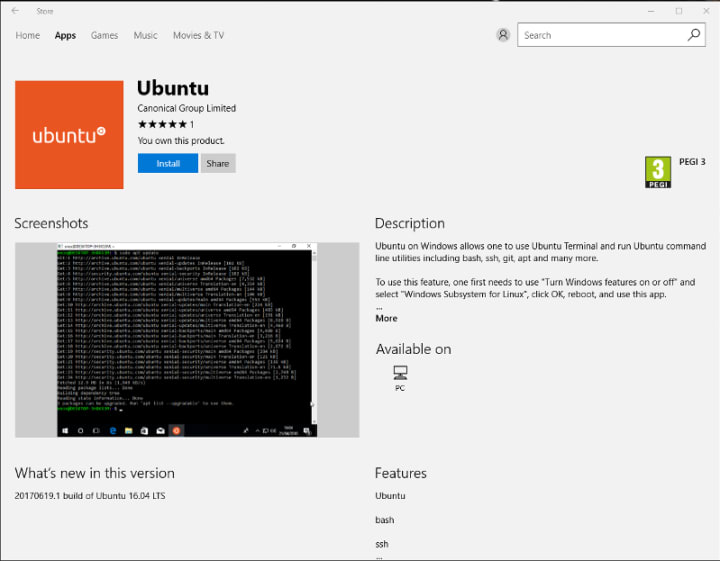 If you toyed with the “bash on Ubuntu on Windows” version before and would like to try the latest and greatest, read on!
Saving your data
If your “bash on ubuntu on windows” environment has some data you’d like to keep, make sure you back it up now. The uninstall process will nuke everything.
Uninstall the old way
This is relatively simple. Opening a command line (cmd.exe) terminal and typing
lxrun /uninstall
will destroy your previous environment.
Installing the new way
To find the app in the Microsoft store, just type “Ubuntu” in the search bar. Click install. Voilà!
Talk to us today
Interested in running Ubuntu in your organisation?
Newsletter signup
Related posts
A decade of Ubuntu on IBM Z and IBM LinuxONE
This year we celebrate a decade of Ubuntu Server support on the s390x architecture: marking a long-standing collaboration between Canonical and IBM that began...
AI at the edge: simplifying infrastructure with Cisco and Canonical
Legacy infrastructure was not designed for the requirements of the AI era. While large-scale model training remains centralized in data centers, test-time...
The next era of telco clouds: get open infrastructure choice with Sylva and Canonical Kubernetes
Achieving vendor neutrality in telco clouds requires an infrastructure layer that respects open standards, without wrapping them in rigid platform layers. By...